

How to Install ADB on Windows in Less Than 15 Seconds
2 min read
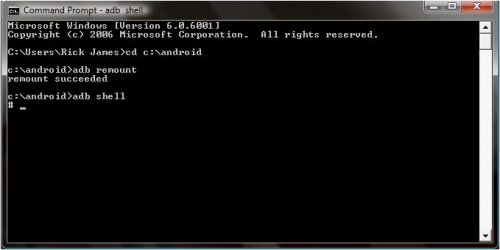
If you’re serious about rooting your Android device, then you’re going to have to get used to the Android Debug Bridge (ADB), which is Android’s most widely-used debugging tool.
ADB lets users push a file to the /system directory, which is an essential part of rooting. However, installing ADB on Windows isn’t always easy…until now.
Usually, you have to download a 100MB file (ADT Bundle + SDK Tools) to install ADB on your Windows PC. Thanks to a clever workaround from an XDA Developers Forum member, your ADB adventure just became much easier.
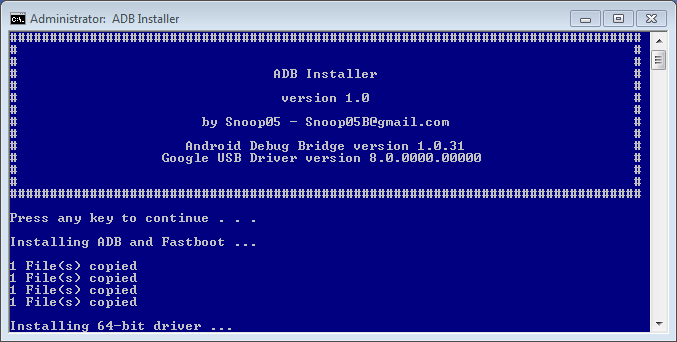
XDA Developers Forum member snoop5 created a simple tool to install ADB on a Windows PC in just under 15 seconds.
Newsletter
Get the latest tech news delivered to your inbox weekly.